


JBL Party Light Beam
JBL Party Light Beam
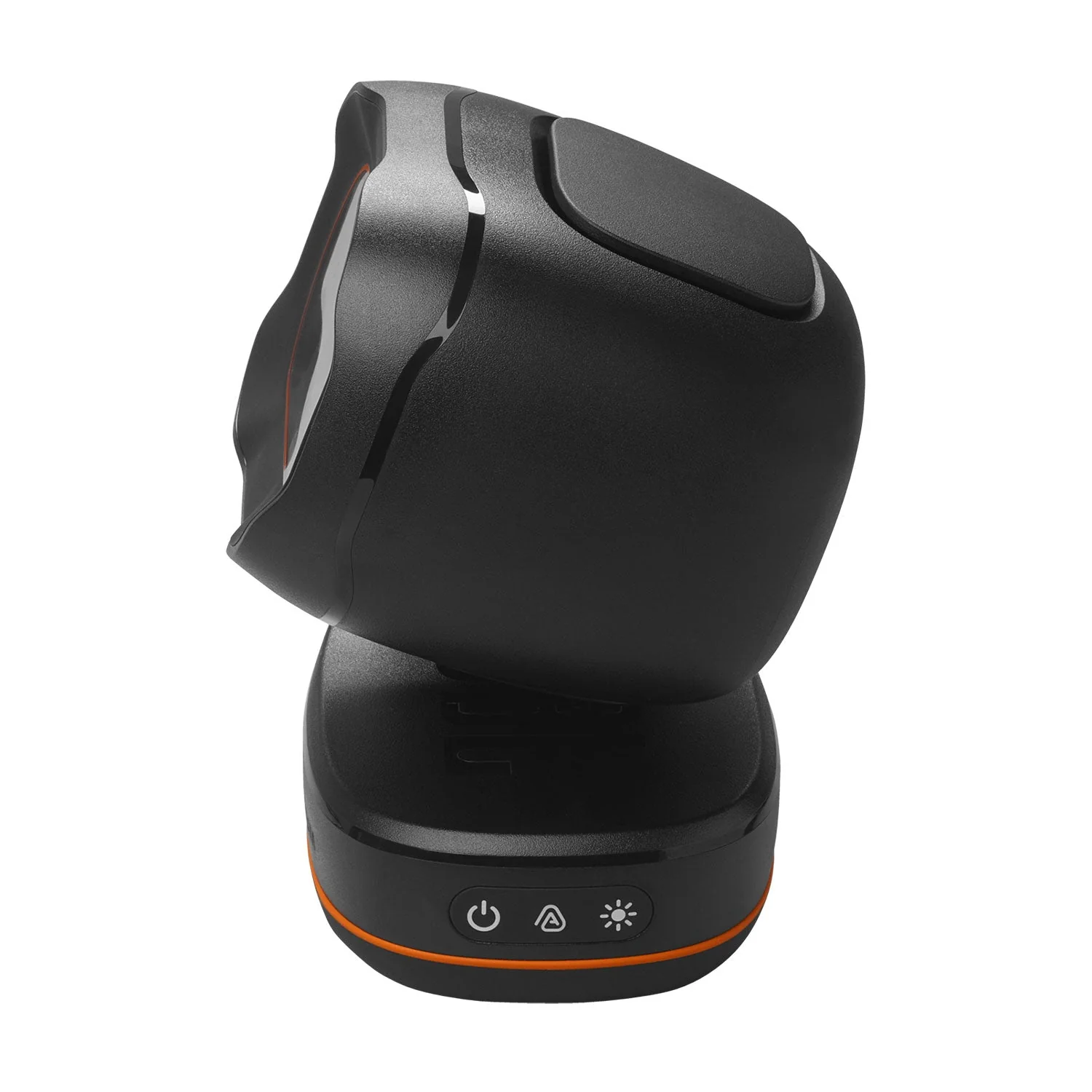
The JBL PartyLight Beam syncs automatically with JBL PartyBox* lightshow or your music, turning your party into an awesome sensory experience.
 .
.


Room-filling party atmosphereJust one JBL PartyLight Beam can fill a room up to 400 square feet (40 square meters) with 20 watts of immersive light shows. |
Choreographed LightshowWith multiple JBL PartyLight Beams connected together, the built-in music detection algorithm will create an even bigger group lightshow—all in less than a minute. |
Match your energySet the mood of the moment with adjustable motion, speed, and intensity levels that take the vibe from mellow to medium to peak party excitement. |
JBL ONE app / PartyBox appUse the JBL ONE app or PartyBox app to adjust lightshow’s speed, colors, patterns and even connect multiple JBL PartyLight Beams, right at your fingertips. |
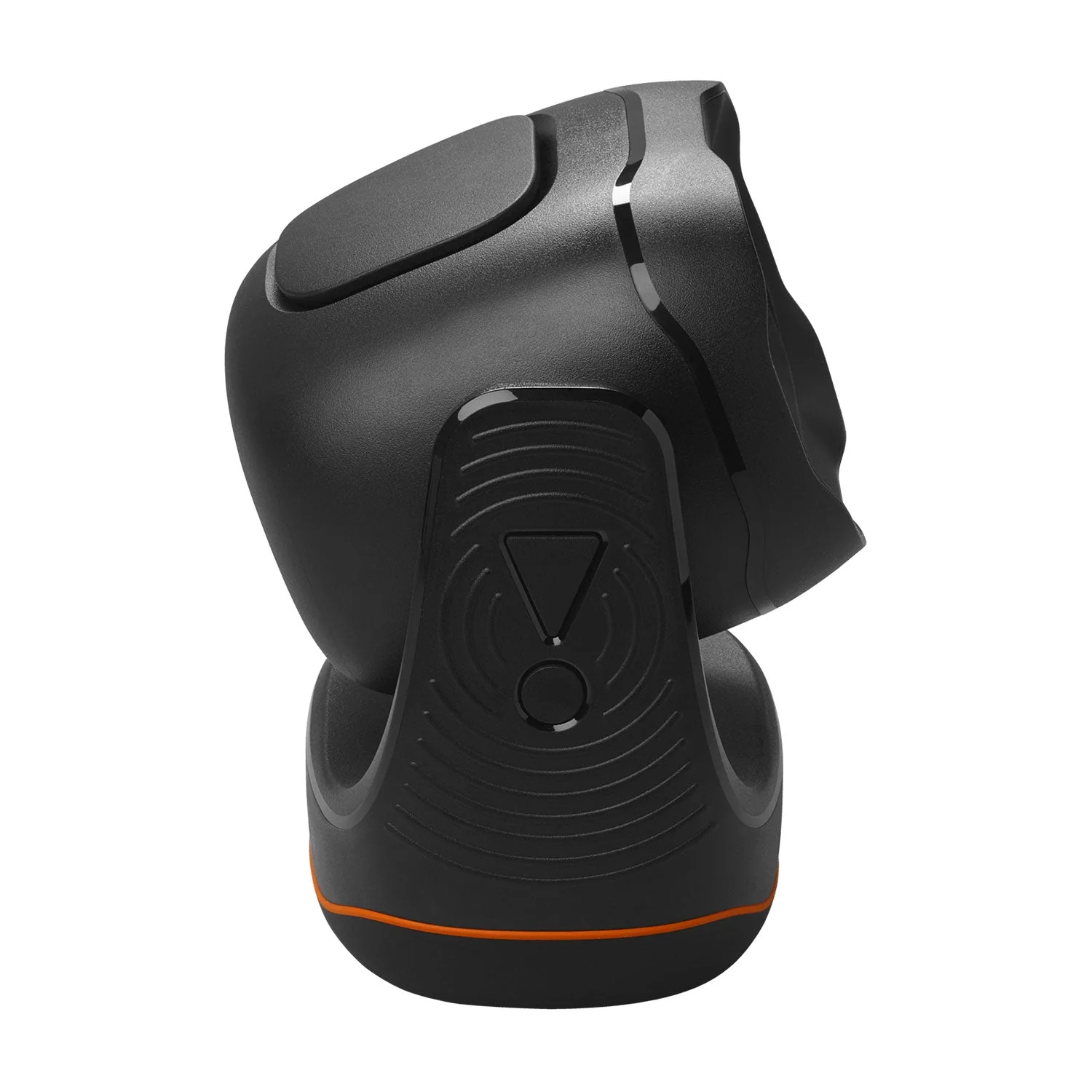
Easy to turn the light on and offRotate the JBL PartyLight Beam to turn it on. Swing it back into position to turn it back off. It’s that simple. |
Product Information
Product Information
Shipping & Returns
Shipping & Returns
Description
JBL Party Light Beam
The JBL PartyLight Beam syncs automatically with JBL PartyBox* lightshow or your music, turning your party into an awesome sensory experience.
.
Room-filling party atmosphereJust one JBL PartyLight Beam can fill a room up to 400 square feet (40 square meters) with 20 watts of immersive light shows. |
Choreographed LightshowWith multiple JBL PartyLight Beams connected together, the built-in music detection algorithm will create an even bigger group lightshow—all in less than a minute. |
Match your energySet the mood of the moment with adjustable motion, speed, and intensity levels that take the vibe from mellow to medium to peak party excitement. |
JBL ONE app / PartyBox appUse the JBL ONE app or PartyBox app to adjust lightshow’s speed, colors, patterns and even connect multiple JBL PartyLight Beams, right at your fingertips. |
Easy to turn the light on and offRotate the JBL PartyLight Beam to turn it on. Swing it back into position to turn it back off. It’s that simple. |